
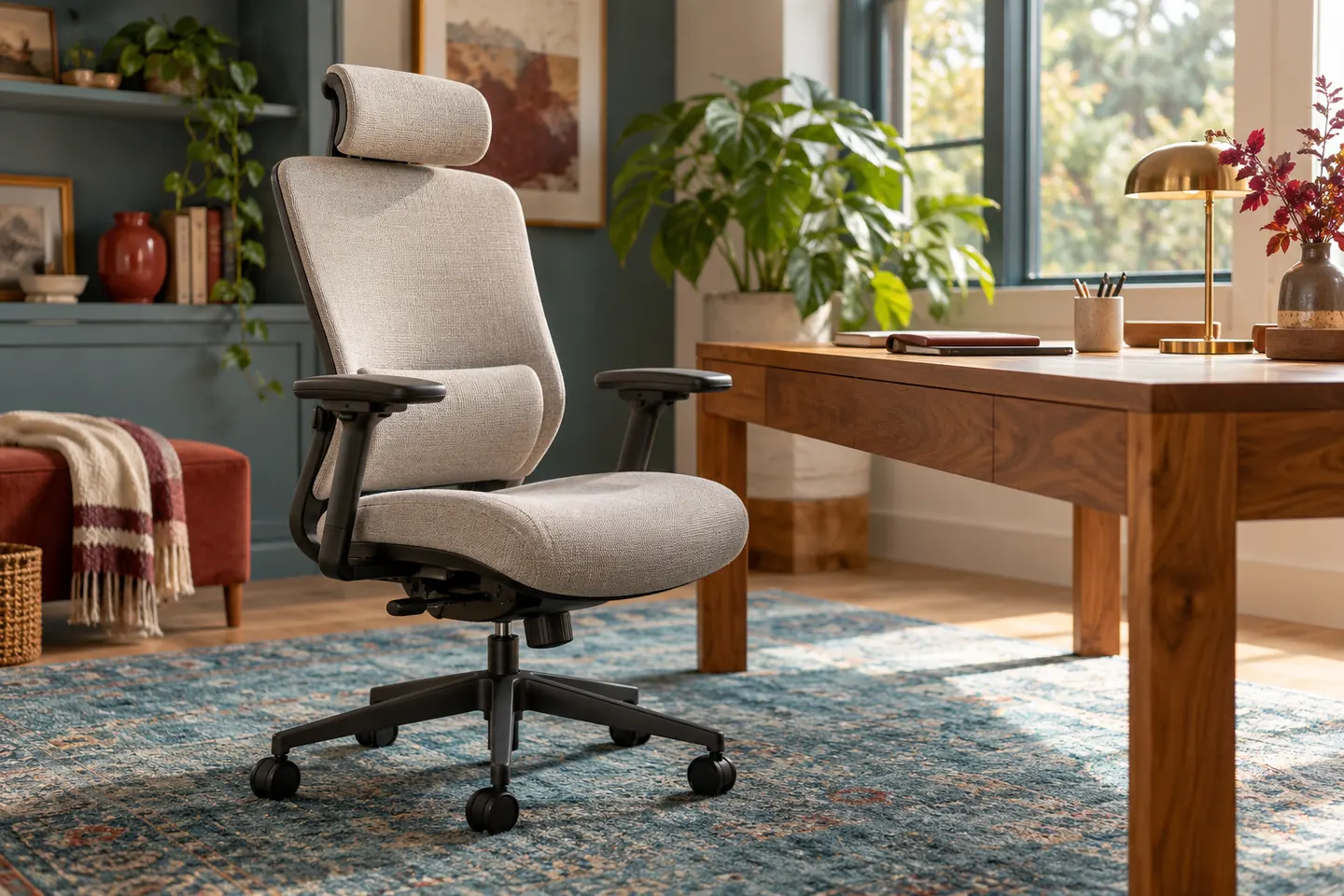
A desk chair can carry a long list of features and still be a poor fit for the person and desk using it. Start with the actual place where the chair will sit. Measure the available space, note the desk height, and think about who will use the chair. A shared chair may need easier adjustments than one used by a single person.
This guide compares selection criteria. Serynix has not tested or ranked individual chairs for this article, and it contains no paid recommendations.
Fit comes before a feature list
The Occupational Safety and Health Administration's workstation guidance (opens in a new tab) encourages trying different chairs before buying. A chair can look adjustable on a product page yet still feel awkward in the setting where you use it.
When possible, sit in the chair with your feet supported and your back against the backrest. Notice whether the seat edge presses uncomfortably behind your knees, whether the backrest supports you in a relaxed position, and whether you can move close enough to your desk. These observations tell you more than a model name or a star rating.
Check the desk, monitor, and keyboard at the same time. OSHA notes that chair adjustment works together with the placement of other workstation components. A chair cannot solve a setup that constantly makes you reach or twist.
Test the adjustments you will use
You do not need every available control. You need controls that let the chair fit your body and that you can operate without a struggle. Depending on the chair, these may include seat height, backrest position, recline resistance, and armrest position.
Try each adjustment while seated. Does it move smoothly? Can you find a comfortable position and return to it? If several people will share the chair, can each person change the setup without needing a manual each time?
| Check | What to notice |
|---|---|
| Seat height | Can your feet rest on the floor or a suitable footrest? |
| Back support | Does the backrest meet your back without forcing one position? |
| Armrests | Can your shoulders relax and can you get close to the desk? |
| Movement | Does the chair move safely on the flooring you have? |
| Space | Can you turn, stand, and pass behind the chair? |
The table is a prompt for trying a chair, not a medical assessment. If you have persistent pain or a specific accessibility need, seek advice tailored to you rather than relying on a general shopping article.
Consider the parts that are easy to overlook
Check the chair's dimensions against your room and desk. Notice the material where your skin or clothing will touch it, the ease of cleaning, and whether replacement parts or service information are available. If buying online, read the assembly instructions and return conditions before ordering. A difficult return can turn a poor fit into an expensive mistake.
Be cautious with reviews that discuss appearance more than sustained use. The Federal Trade Commission (opens in a new tab) advises shoppers to check sellers and products across sources because reviews can be misleading or influenced by incentives. Reviews can reveal patterns, but they cannot tell you exactly how a chair will fit your body.
Use a short decision rule
List your nonnegotiable needs: perhaps a size that fits under the desk, adjustments that work for two people, and a return policy you can use. Set a budget that includes delivery and any necessary accessories. If a chair fails a nonnegotiable need, an attractive discount does not fix the mismatch.
If you can try before buying, give yourself enough time to adjust the chair and sit naturally. If you cannot, prioritize clear dimensions, adjustment details, and a return process you understand. The goal is a workable fit in your actual space, not the longest specification list.